
DIY LEGO Skeleton Banner
Create a fun Halloween banner inspired by the LEGO skeleton for spooky season! This banner is made with a just a few supplies and includes free cut files to help you get started.
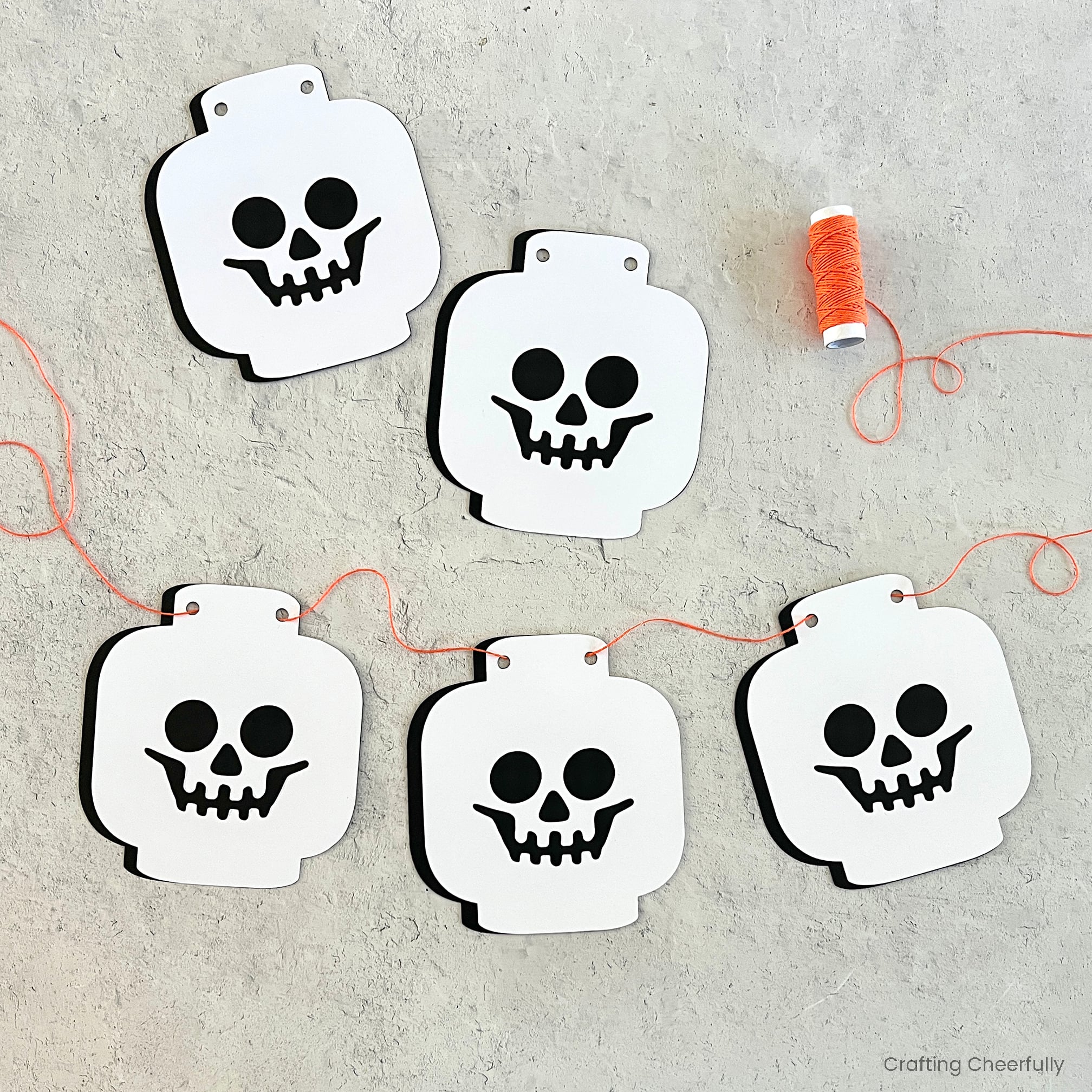
Hello Crafty Friends! Today I’m excited to share a new paper banner for Halloween – a LEGO skeleton banner! Made from just two colors of cardstock layered together, this banner is simple to make using your cutting machine. This is a great banner that is Halloween-themed without being too spooky for little ones! I tend to go for “cute” Halloween over anything too scary or gory.
As a family who loves LEGO, this banner is so much fun! It’s also really nostalgic. The first LEGO skeleton I received as a kid was part of a castle set (6090 Royal Knight’s Castle) from 1995 that I still have. My kids now play with it along with the awesome glow-in-the-dark ghost that came in the set. Be sure to check out a list of my favorite Halloween-themed LEGO sets at the end of this post – they would be perfect for a Halloween building party!
Below is the tutorial for creating your own skeleton banner, plus you can download the free cut files by filling out the purple form at the end of the post.
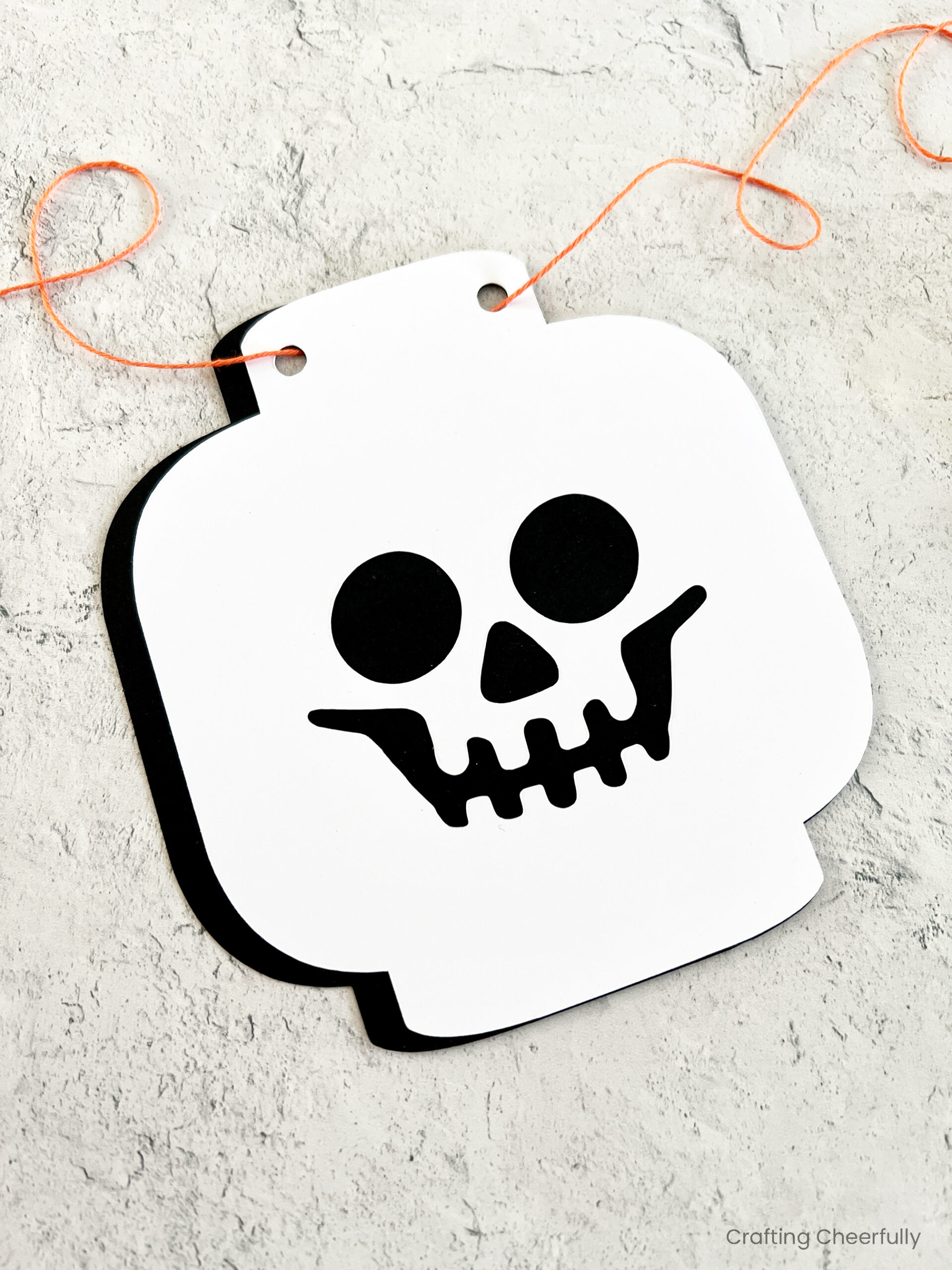
Lego Skeleton Halloween Banner
Supplies Needed
- Free PNG cut files – grab the free files by filling out the purple form towards the end of this blog post.
- Black and white cardstock
- Glue Pen or another Adhesive
- Orange twine
- Cutting machine, cutting tools and cutting mat
Setting up the File in Cricut Design Space
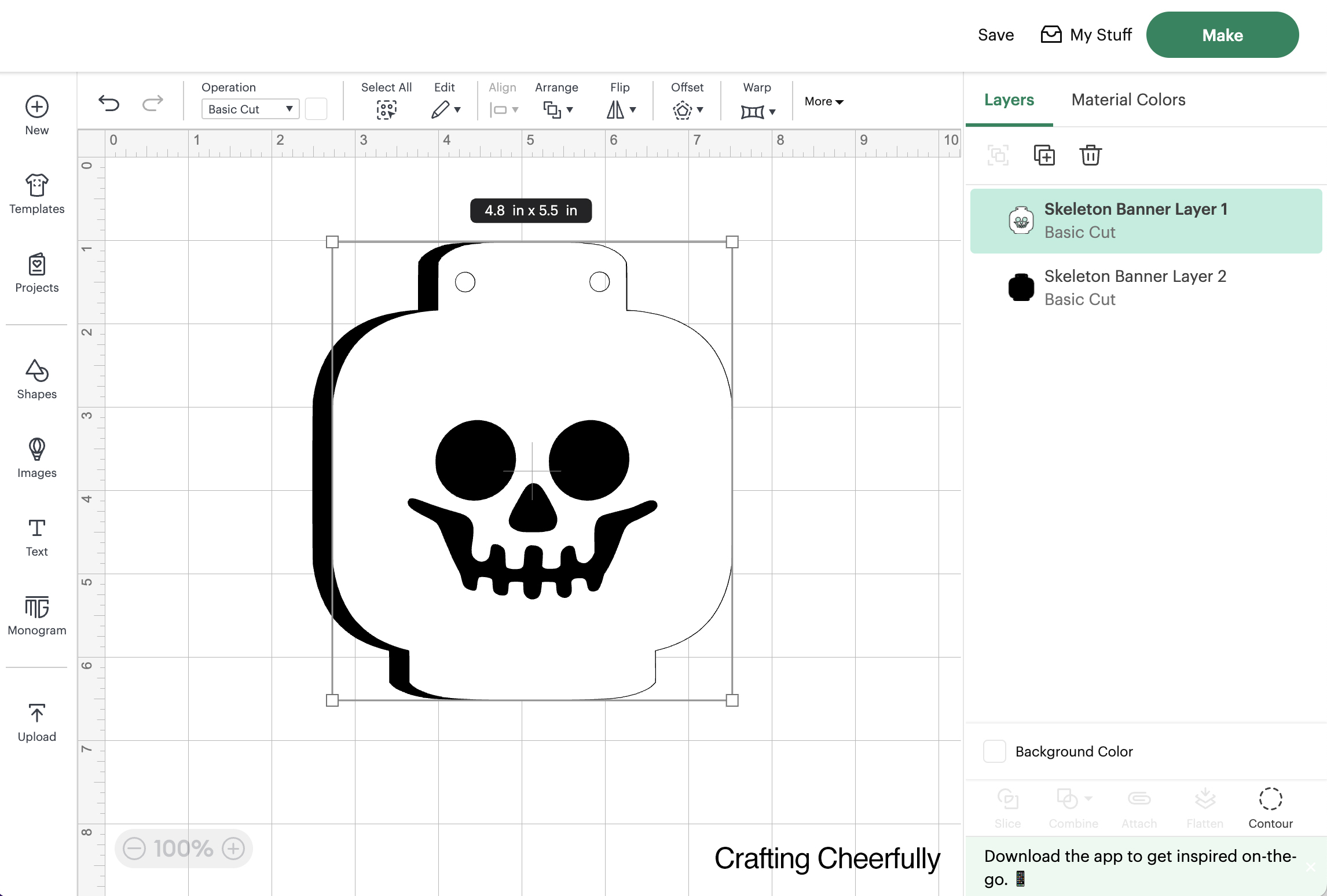
Start by downloading the PNG cut files and uploading them into your cutting machine software. Since I have a Cricut Explore I uploaded the files into Cricut Design Space. Size each piece to 5.5″ tall and change the file with the skull face to white. Layer them together matching the holes along the top of the skeleton.
Cutting the Banner Pieces
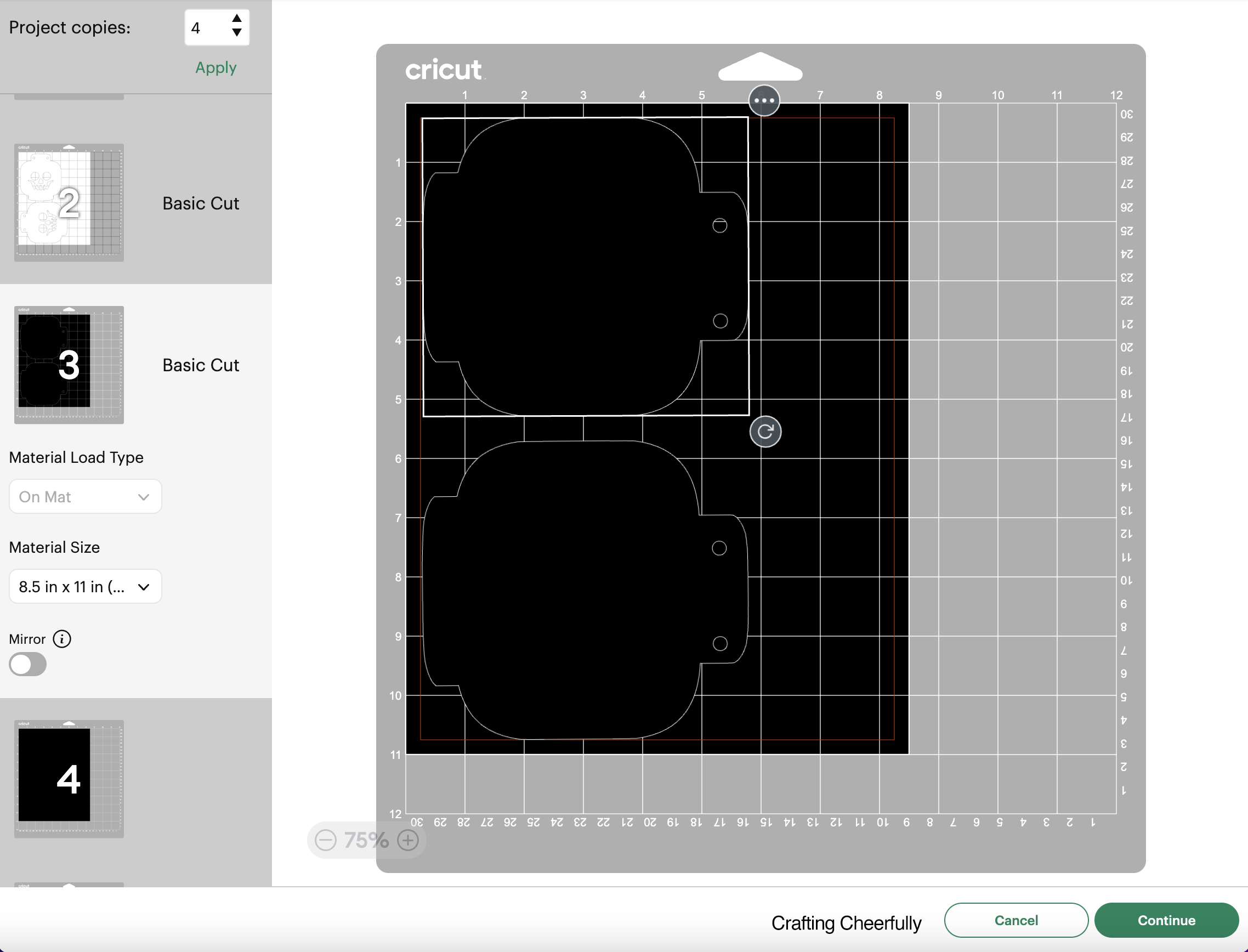
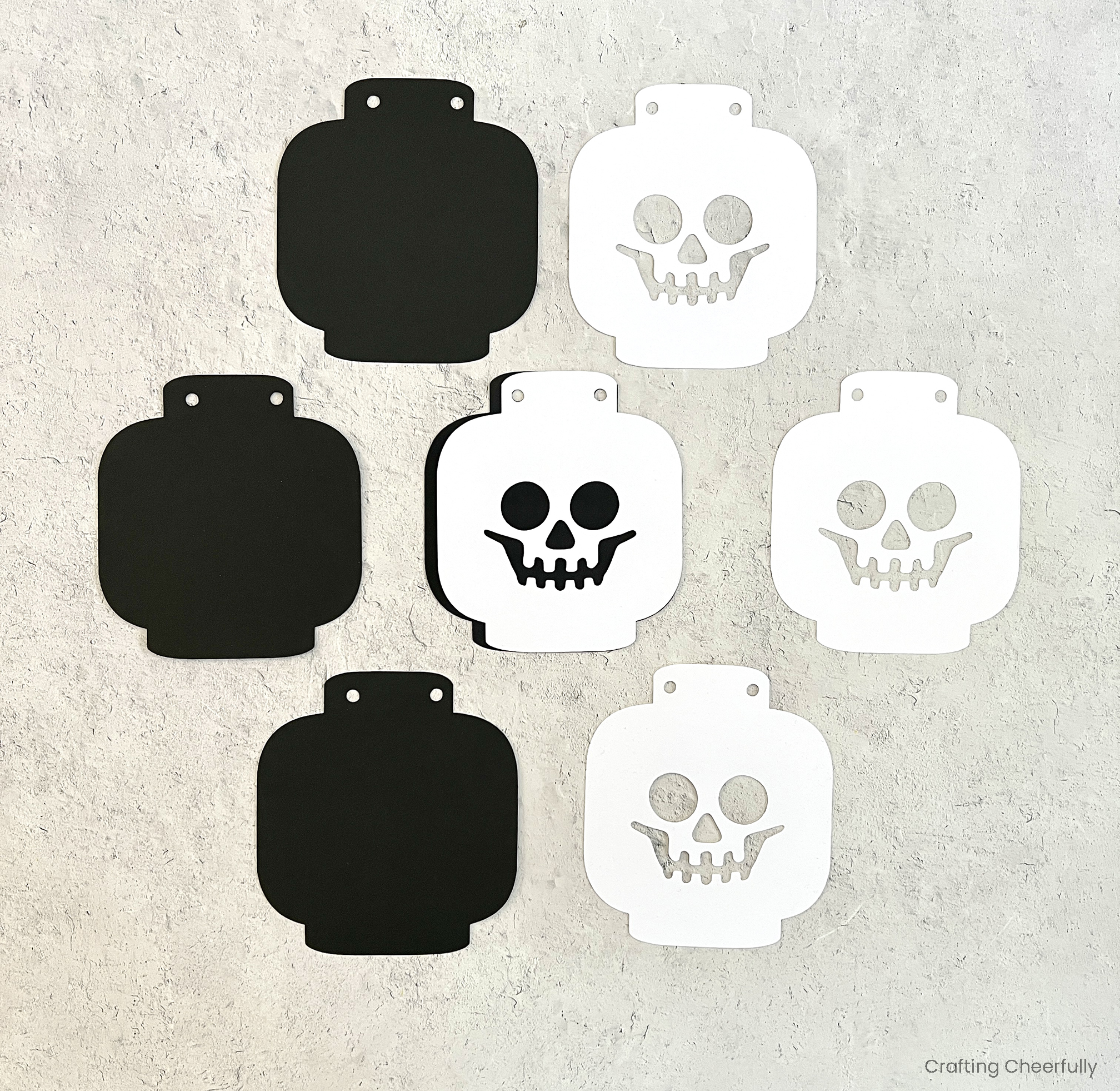
Cut the pieces out of black and white cardstock. Four skeleton heads will fit on a single sheet of 12″ x 12″ scrapbook paper.
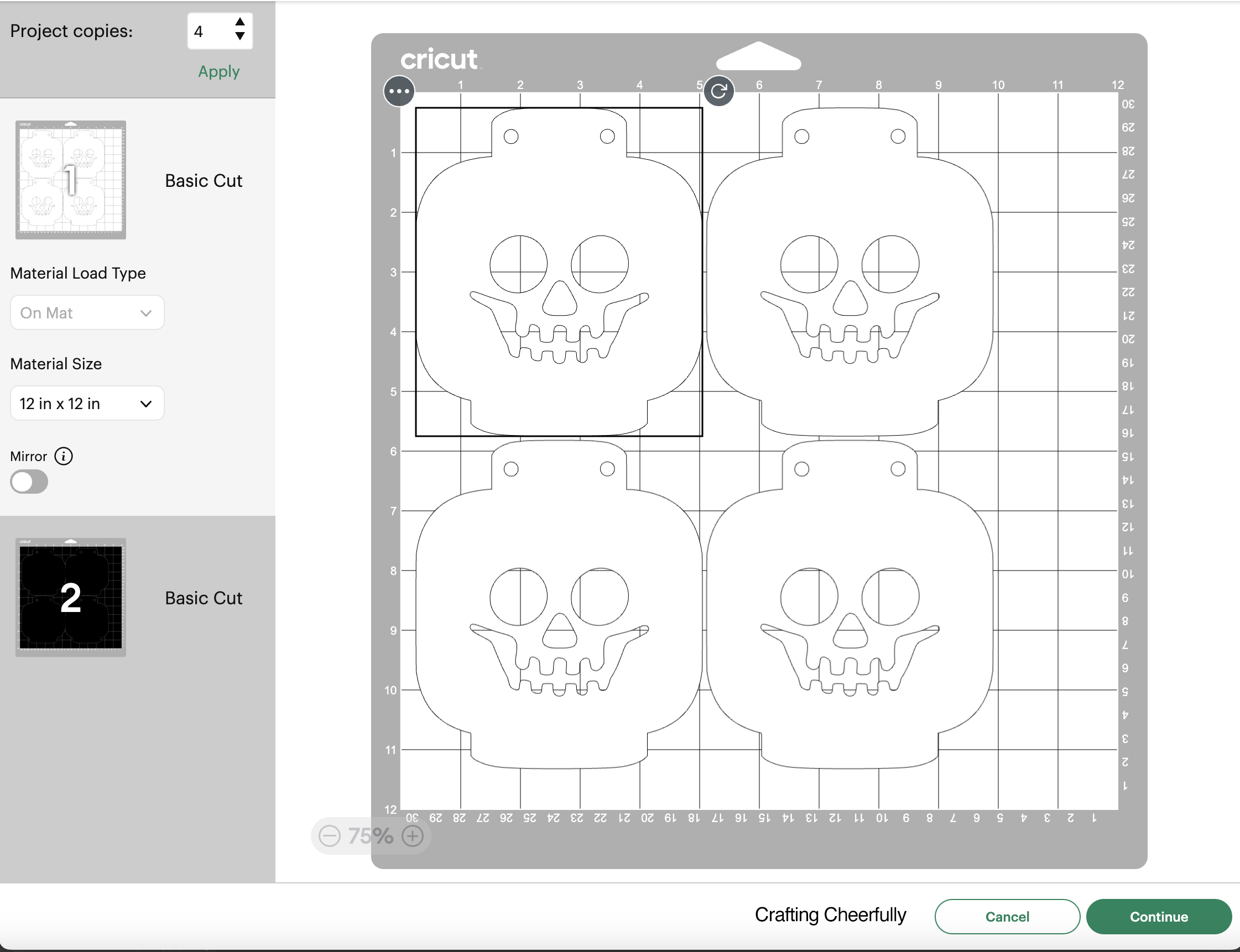
If you are using 8.5″ x 11″ paper, you can fit two of the black skeleton heads on one sheet if you rotate them.
Assembling the Banner
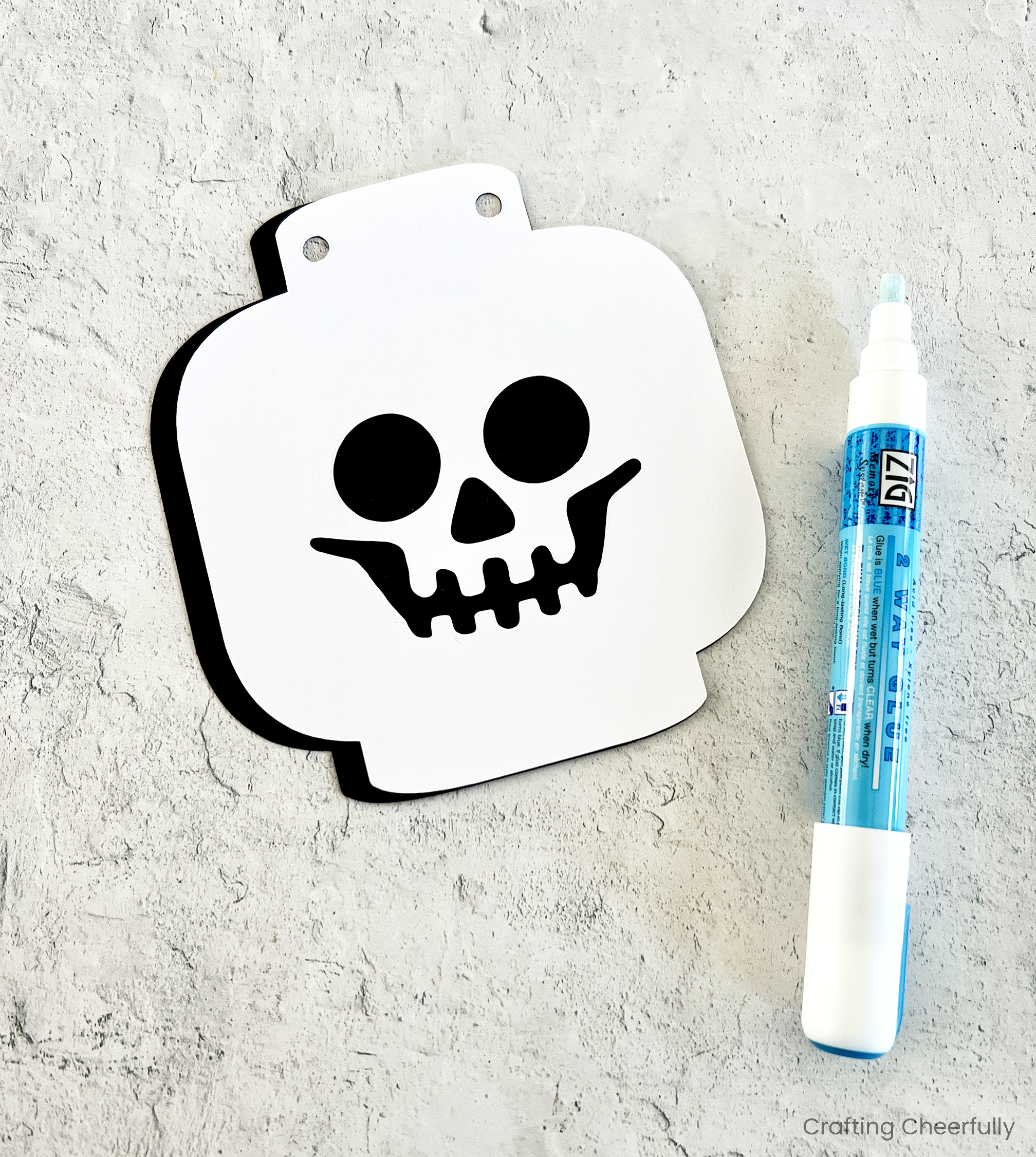
Use adhesive to glue the two layers together. The black piece is slightly larger than the white so it will stick out on the left side. Line up the holes at the top to then glue them together.
Repeat for all of your skeleton pennants. I made five total for my banner.
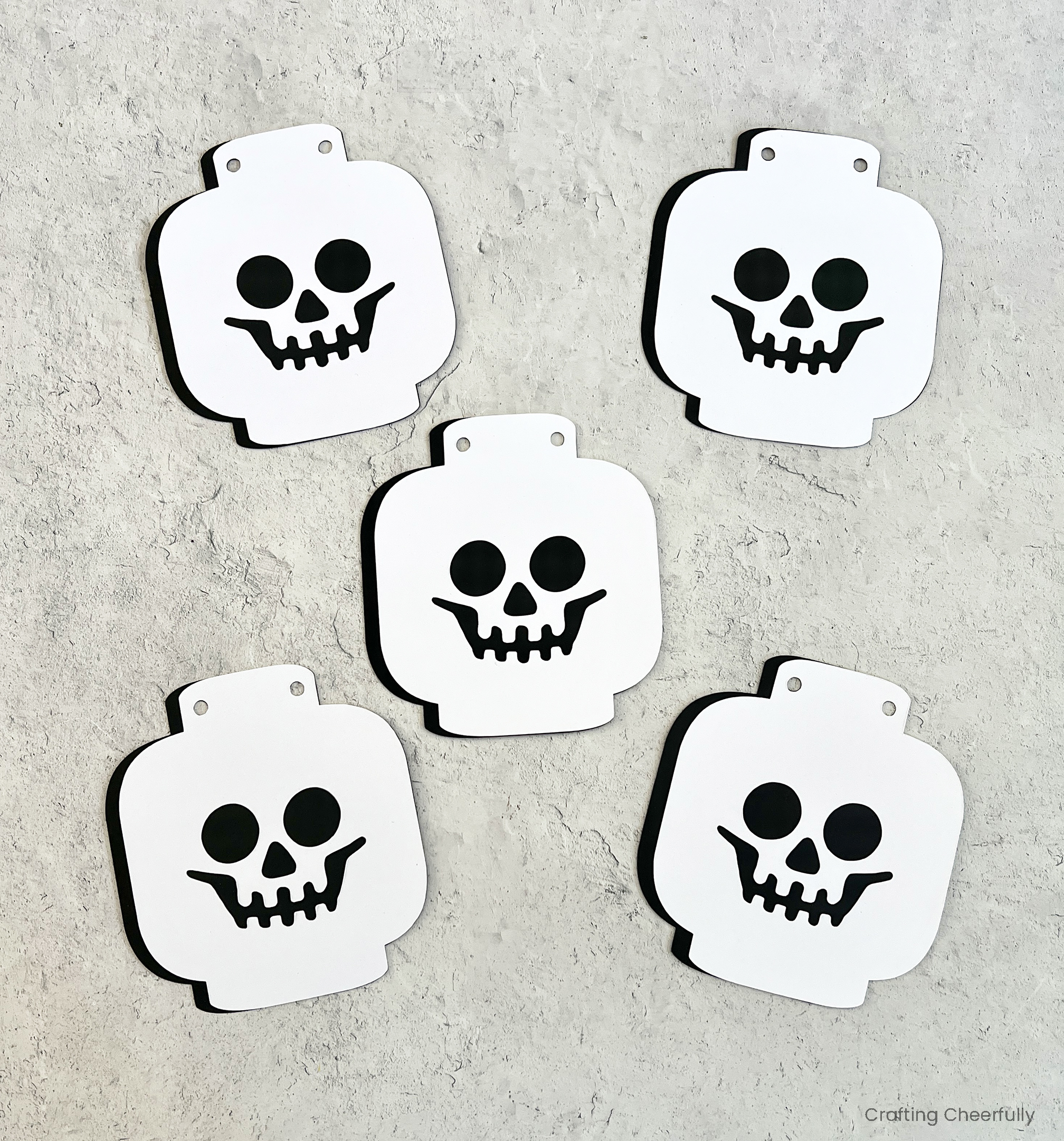
String the pennants together using yarn, twine or ribbon. I used orange twine I had leftover from my pumpkin banner and like that it gives this otherwise black-and-white banner a pop of color! Add a small piece of tape on the back of each pennant if you need help keeping them in place along the string.
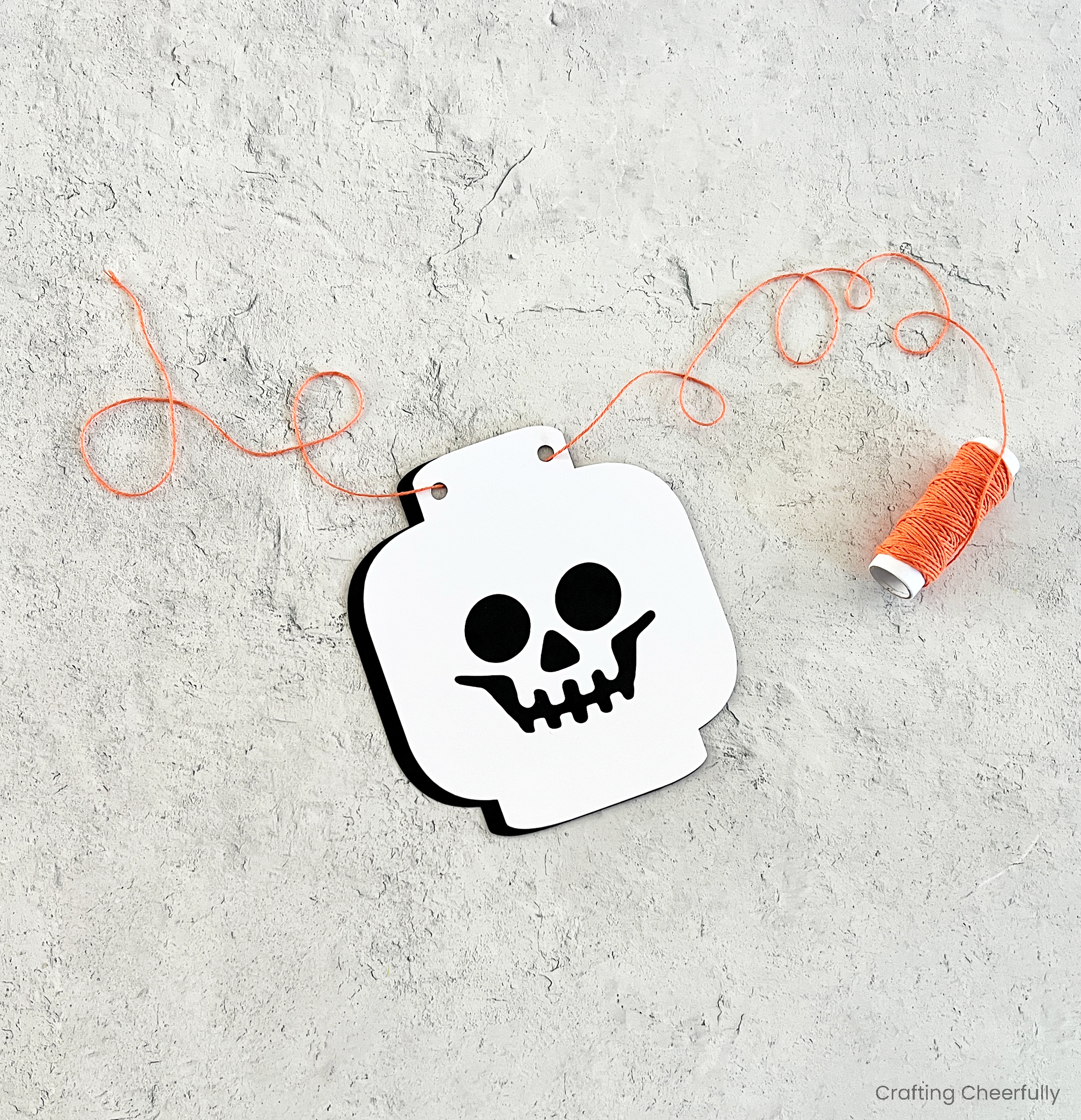
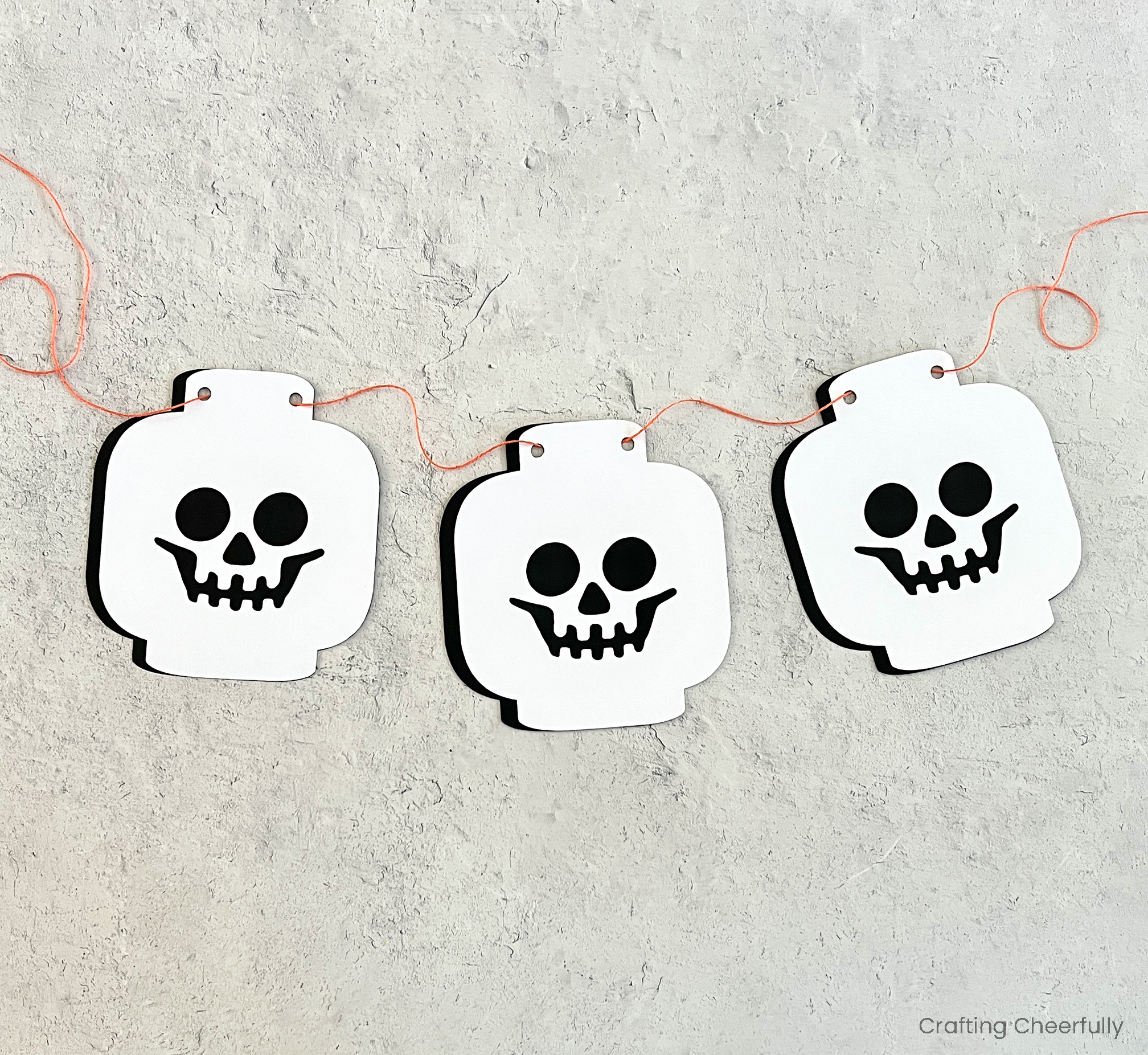
The banner is finished and ready to be enjoyed!
Halloween LEGO Sets
My family loves to build LEGO sets together at Thanksgiving and Christmas, but I think I may start a new Halloween tradition with a fun build party. This banner would be such a cute addition! Below are a few of the Halloween-themed sets I’m eyeing!
- Lego Creator 3 in 1 Haunted Mansion
- Halloween Barn
- Wednesday Black Dahlia Flower Set
- Hocus Pocus The Sanderson Sister’s Cottage
- Tim Burton’s The Nightmare Before Christmas
More Halloween Banners
- Burlap Pumpkin Banner
- Paper Medallion Pumpkin Banner
- Halloween Cat Banner
- Halloween Appliqué Banner
- Burlap Pumpkin Banner
- Ghost Photo Banner

Get the Free Banner SVG Cut File
Fill out the purple form below with your first name and email address! The free file will be sent straight to your inbox! If you have already filled out the form below, don’t worry – you won’t be added to my list twice! This freebie is for personal use only. I hope you enjoy crafting something special. Please let me know if you have any questions :)


